

Keep Your Pet Safe in Saudi Arabia with an Official Google Find Hub Android Pet Tracker Collar—Zero Monthly Fees
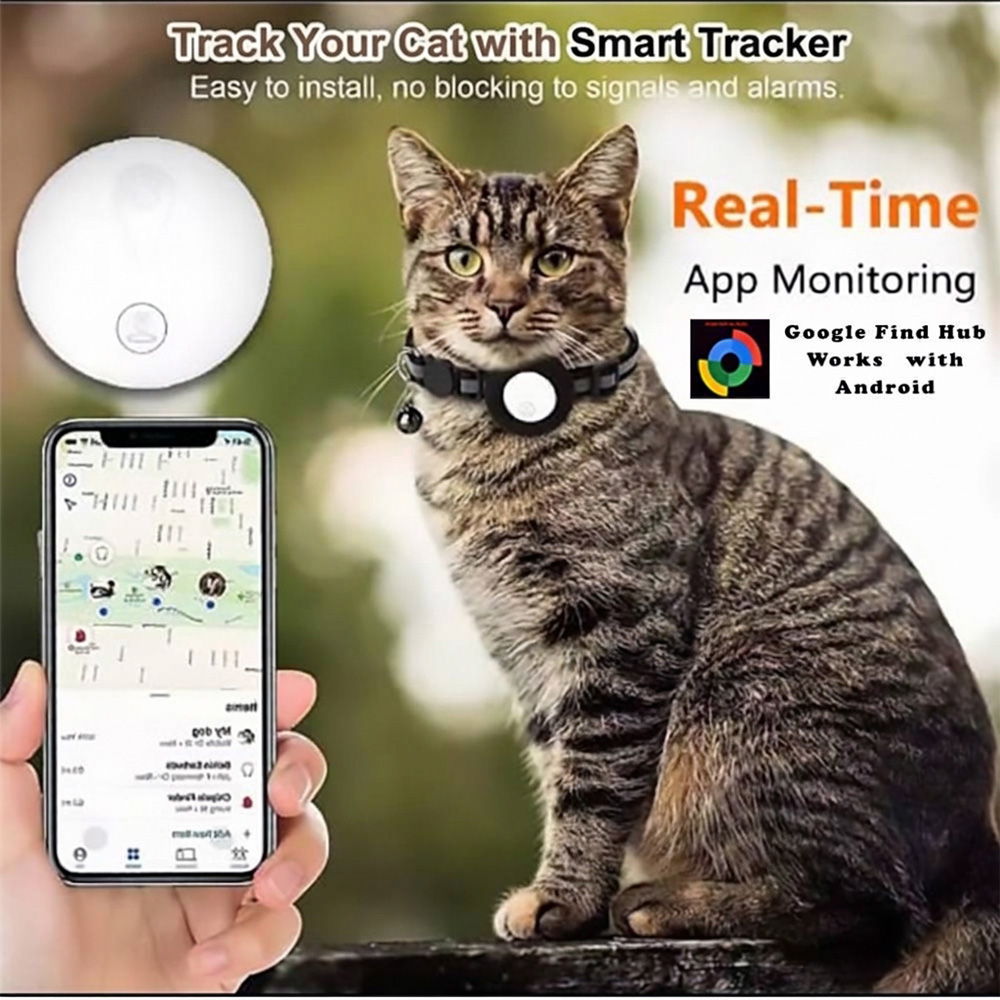
Never worry about losing sight of your cat or small dog again. This complete Android pet tracker collar bundle includes both the smart tracking tag and a comfortable, adjustable collar—pairing directly with Google’s official Find Hub app on your Android phone with no monthly subscriptions, SIM cards, or third-party apps required.
Why Choose This Android Pet Tracker Collar?
-
Official Google Find Hub Integration: Built exclusively for Android smartphones and tablets (Android 9.0 and above). When nearby Android devices pass by your pet, the encrypted Find Hub network updates your pet’s location privately on your map.
-
Zero Monthly Fees & No SIM Card Needed: Unlike bulky cellular GPS units that require recurring STC, Mobily, or Zain data plans, this Android pet tracker collar works out of the box with zero subscriptions or roaming charges.
-
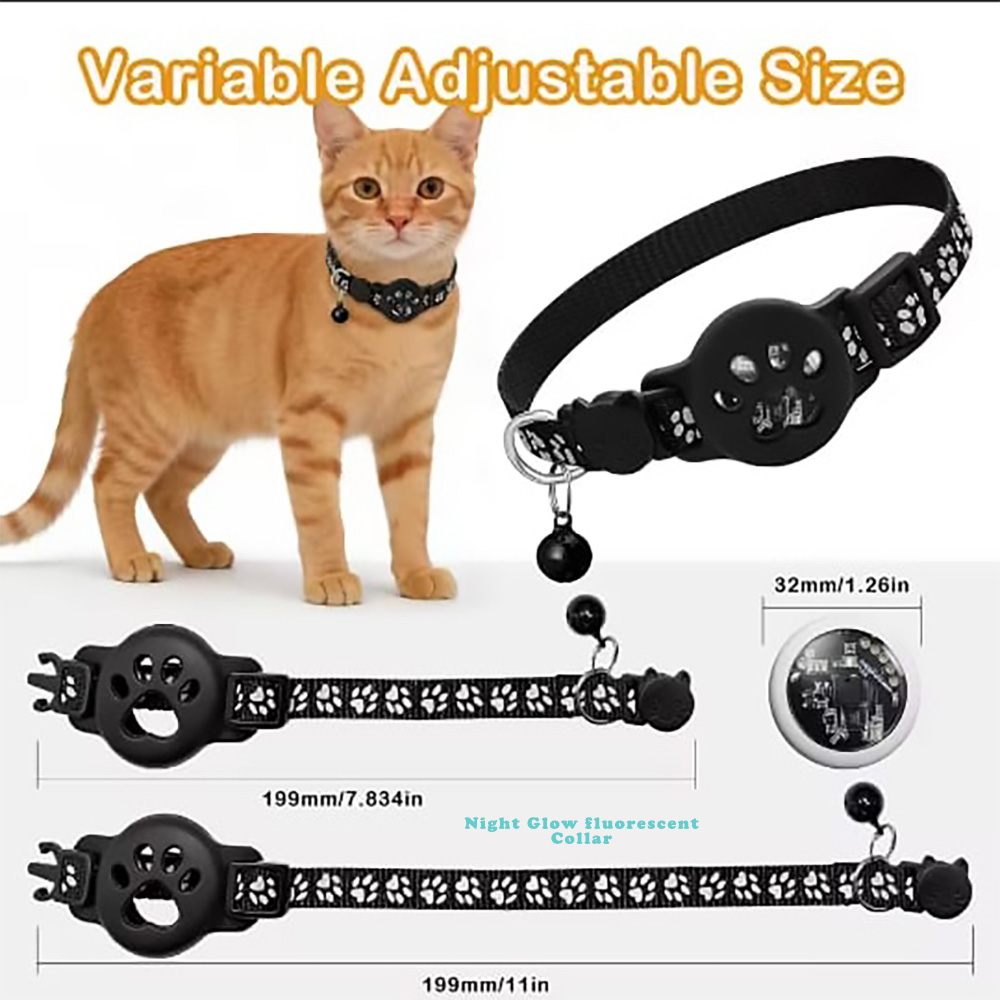
Complete Ready-to-Wear Collar Set: Includes the lightweight smart tracker device, a snug silicone holder that never blocks signals or alarms, and a durable nylon collar with a removable safety bell.
-
One-Tap “Play Sound” Indoor Alert: Can’t find your cat hiding under the sofa, bed, or majlis? Open the Google Find Hub app and tap Play Sound to make the collar emit a clear audible chime.
-
Share Access with Family & Mark as Lost: Share your pet’s tracker inside Google Find Hub so family members can check your pet’s location, or activate Mark as Lost to display your contact details if someone finds your pet.
-
Long-Lasting Replaceable Battery: Powered by a standard coin-cell battery that lasts up to 12 months and replaces in seconds.
Technical Specifications
| Feature | Specification |
| Product Type | Smart Android Pet Tracker Collar (Tracker Device + Collar Included) |
| Compatibility | Android Devices Only (Android 9.0 and above with Google Play Services) |
| Supported App | Google’s Find Hub (Official Google App) |
| Subscription / SIM | None – 100% Free to Use |
| Collar Fit | Adjustable for Kittens, Adult Cats & Small Dogs |
| What’s in the Box | 1x Android Smart Tracker Tag, 1x Adjustable Pet Collar with Bell, 1x Silicone Holder, 1x Pre-installed Battery |
Compatibility Notice: This Android pet tracker collar is engineered specifically for Android devices (Android 9.0+) using Google’s Find Hub. It is not compatible with Apple iPhone (iOS).
How to Connect Your Android Pet Tracker Collar to Google Find Hub
Setting up your Android pet tracker collar takes under 60 seconds using Google Fast Pair. Do not pair the tag manually inside your phone’s regular Bluetooth menu—connect it directly through the Fast Pair pop-up or the Find Hub app.
-
Prepare Your Android Phone Unlock your Android phone (Android 9.0 or newer) and ensure Bluetooth, Location, and Wi-Fi or Mobile Data are turned On. Confirm you are signed into your Google Account and have Google’s Find Hub app installed and updated via the Google Play Store.
-
Power On the Tracker Tag Pull out the plastic battery insulation tab (if present) or press and hold the center button on the tracker tag until it beeps to enter pairing mode. Hold the tracker right next to your unlocked Android phone.
-
Connect via Google Fast Pair Wait a few seconds for the Google Fast Pair pop-up card to appear on your phone screen. Tap Connect (or Set up), accept the Find Hub terms, and link the tracker to your Google Account.
-
Name Your Pet, Test the Sound & Fit the Collar Open the Find Hub app, select your new tracker, rename it with your pet’s name, and tap Play Sound to verify the audible chime. Slide the tracker securely into the silicone holder and fasten the collar around your pet’s neck, leaving enough room to comfortably fit two fingers underneath.
Troubleshooting Setup Issues
-
No Fast Pair Pop-Up? Open your phone’s Settings > Google > Devices & sharing > Devices (or Settings > Google > All services) and verify that Scan for nearby devices is turned On.
-
Add Manually in the App: Open the Find Hub app directly, look for + Add to network (or the + icon) at the top of your devices list, and follow the scan prompt.
-
Resetting the Tracker: If pairing times out, press the tracker button 4 times quickly and then press and hold on the 5th press until you hear confirmation beeps (or remove and reinsert the coin-cell battery) to re-enter pairing mode.
Reviews
There are no reviews yet.