
Keep Your Pet Safe in Saudi Arabia with a Dual Android & iOS Pet Tracker Collar—Zero Monthly Fees
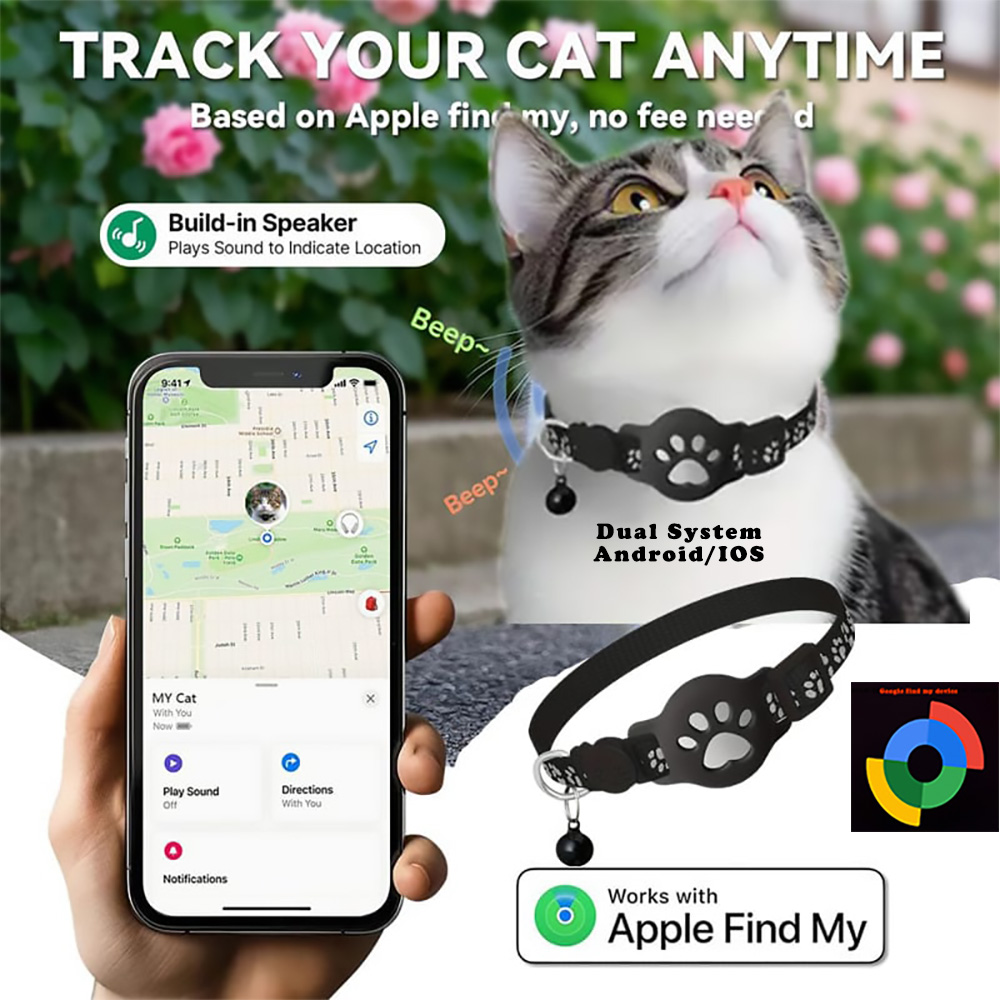
Never worry about losing sight of your cat or small dog again, no matter which smartphone you use. This complete pet tracker collar bundle includes both a 2-in-1 smart tracking tag and a comfortable, adjustable collar—built to work seamlessly with Google’s Find Hub on Android or Apple Find My on iPhone, with no monthly subscriptions, SIM cards, or third-party apps required.
Why Choose This Dual-Network Pet Tracker Collar?
-
Universal 2-in-1 Android & iOS Compatibility: Whether your household uses Android phones, iPhones, or both, this pet tracker collar adapts to your ecosystem. Pair it with Google’s Find Hub (Android 9.0+) or Apple Find My (iOS 14.5+)—and if you ever switch phones later, simply reset the tag and pair it to the other network.
-
Zero Monthly Fees & No SIM Card Needed: Unlike bulky cellular GPS units that require recurring STC, Mobily, or Zain data plans, this pet tracker collar uses encrypted crowdsourced networks of nearby Android or Apple devices to update your pet’s location with zero ongoing fees.
-
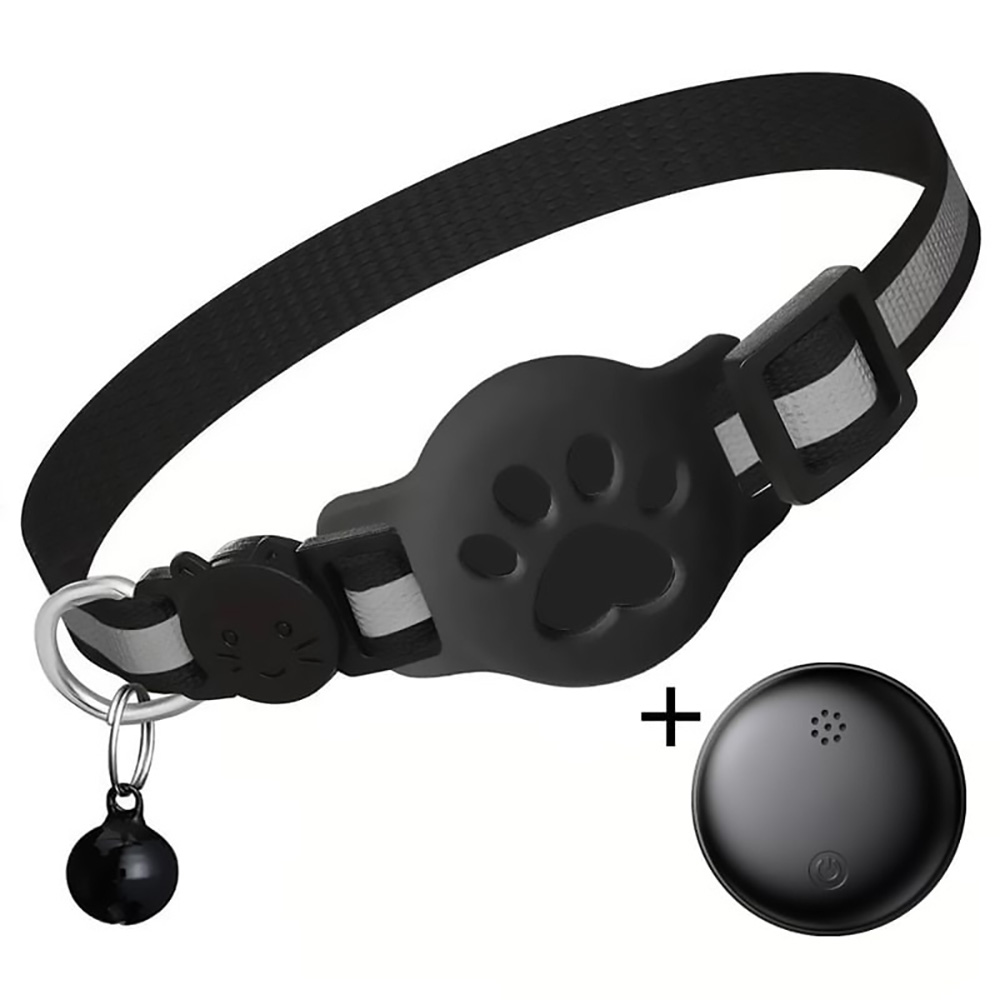
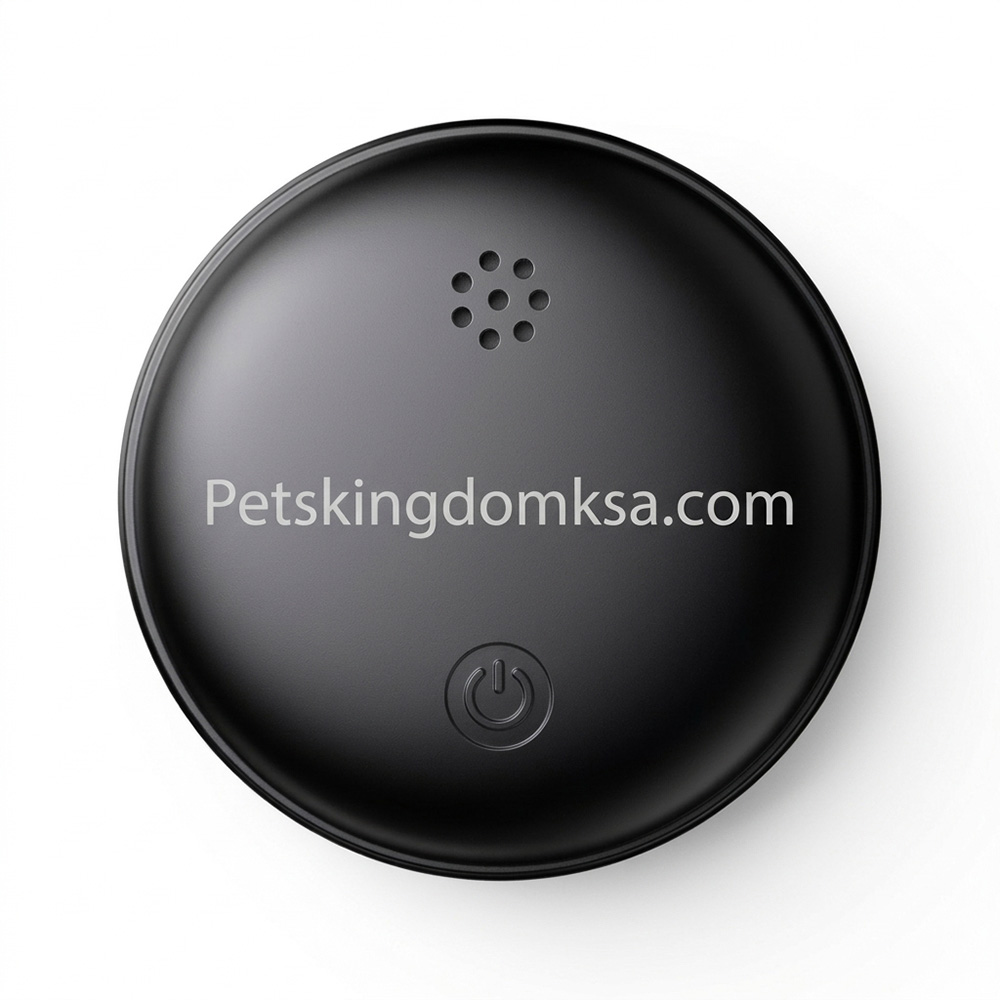
Complete Ready-to-Wear Collar Bundle: Includes the lightweight smart tracker device, a snug protective silicone holder that never blocks signals or alarms, and a durable nylon collar with a removable safety bell.
-
One-Tap “Play Sound” Indoor Alert: Can’t find your cat hiding under the sofa, bed, or majlis? Open Google Find Hub or Apple Find My and tap Play Sound to trigger a clear audible chime right from your pet’s collar.
-
Family Sharing & Lost Mode Protection: Share your pet’s tracker with family members inside the app, or turn on Lost Mode / Mark as Lost so anyone who finds your pet can view your contact details.
-
بطارية قابلة للإزالة ودائمة الاستخدام: Powered by a standard coin-cell battery that delivers up to 12 months of standby power and swaps out in seconds.
Technical Specifications
| Feature | Specification |
| Product Type | Dual-Network Smart Pet Tracker Collar (Tracker Device + Collar Included) |
| Compatibility | Android (Android 9.0+) OR iPhone / iPad (iOS 14.5+) |
| Supported Apps | Google’s Find Hub (Android) / Apple Find My (iOS) |
| Subscription / SIM | None – 100% Free to Use |
| Collar Fit | Adjustable for Kittens, Adult Cats & Small Dogs |
| What’s in the Box | 1x Dual Android/iOS Smart Tracker Tag, 1x Adjustable Pet Collar with Bell, 1x Silicone Holder, 1x Pre-installed Battery |
Important Network Note: Dual-network trackers connect to one ecosystem at a time (either Google Find Hub on Android or Apple Find My on iOS). You can switch platforms anytime by performing a quick factory reset on the tracker tag.
How to Connect Your Pet Tracker Collar (Android & iPhone)
Setting up your pet tracker collar takes under 60 seconds using official built-in phone apps—no extra companion app downloads needed.
Option A: Connect on Android (Google’s Find Hub)
Do not pair the tag manually inside your phone’s regular Bluetooth menu—use Google Fast Pair or the Find Hub app:
-
Prepare Your Android Phone: Unlock your phone (Android 9.0+) and switch On Bluetooth, Location, and Wi-Fi or Mobile Data. Make sure you are signed into your Google Account and have Google’s Find Hub installed from the Play Store.
-
Power On the Tracker: Pull out the plastic battery tab (if present) or press the center button on the tracker tag once until it chimes to enter pairing mode. Hold it next to your unlocked phone.
-
Connect via Google Fast Pair: Wait a few seconds for the Google Fast Pair pop-up card to appear on your screen. Tap Connect (or Set up), accept the Find Hub terms, and link it to your Google Account.
-
Name & Test: فتح Google’s Find Hub, rename the tag with your pet’s name, and tap Play Sound to test the chime.
Option B: Connect on iPhone (Apple Find My)
-
Prepare Your iPhone: Ensure Bluetooth و Location Services are turned On, and open the pre-installed Apple Find My app.
-
Power On the Tracker: Press the button on the tracker tag once so it enters pairing mode and chimes.
-
Add Item in Find My: In the Find My app, tap the Items tab at the bottom, tap + (Add Item), and select Other Supported Item.
-
Name & Test: Follow the on-screen prompts to connect, name your pet, choose an emoji, and tap Play Sound to verify the chime.
Final Step: Attach the Collar Safely
Slide the tracker tag securely into the silicone holder and fasten the collar around your pet’s neck, leaving enough space to comfortably slide two fingers underneath.
Troubleshooting & Switching Between Android and iPhone
-
Switching Phones (Android ↔ iPhone): Because the tracker pairs to one network at a time, unpair it from your old app first (Remove from Find Hub or Remove Item in Apple Find My), then factory-reset the tag (press the button 4 times rapidly and hold on the 5th press until it beeps, or remove and reinsert the battery) before pairing with the new phone.
-
Android Fast Pair Pop-Up Not Showing? فتح Settings > Google > Devices & sharing > Devices and make sure Scan for nearby devices is switched On, or open the Find Hub app directly and tap + Add to network.
Prefer an Android-only option? See our Android Pet Tracker Collar.
Link it to: https://petskingdomksa.com/product/android-pet-tracker-collar/
المراجعات
لا توجد مراجعات بعد.